
Every small business starts with hourly IT support, whether it is called that or not. Something breaks, you call someone, they fix it and send a bill. It is simple, and for a while it is the right answer.
Then the business grows. There are fifteen computers instead of four, customer records in three systems, and a morning without email now costs real money. At some point the question comes up: should we keep paying by the hour, or move to a managed IT plan with a fixed monthly fee? Here is an honest comparison for offices of roughly 5 to 25 people in Surrey and Langley, including the cases where hourly is still the better deal.
The two models in one paragraph each
Hourly IT support (break/fix). You call when there is a problem or a project. You pay for the time, usually with a minimum charge and a higher rate for emergencies or after hours. Nobody looks at your systems between calls.
Managed IT services. You pay a fixed monthly fee, normally based on the number of people or devices. In return the provider keeps computers updated, watches backups and security, and runs a help desk your staff can call without anyone worrying about the meter. Projects such as a new server or an office move are usually quoted separately.
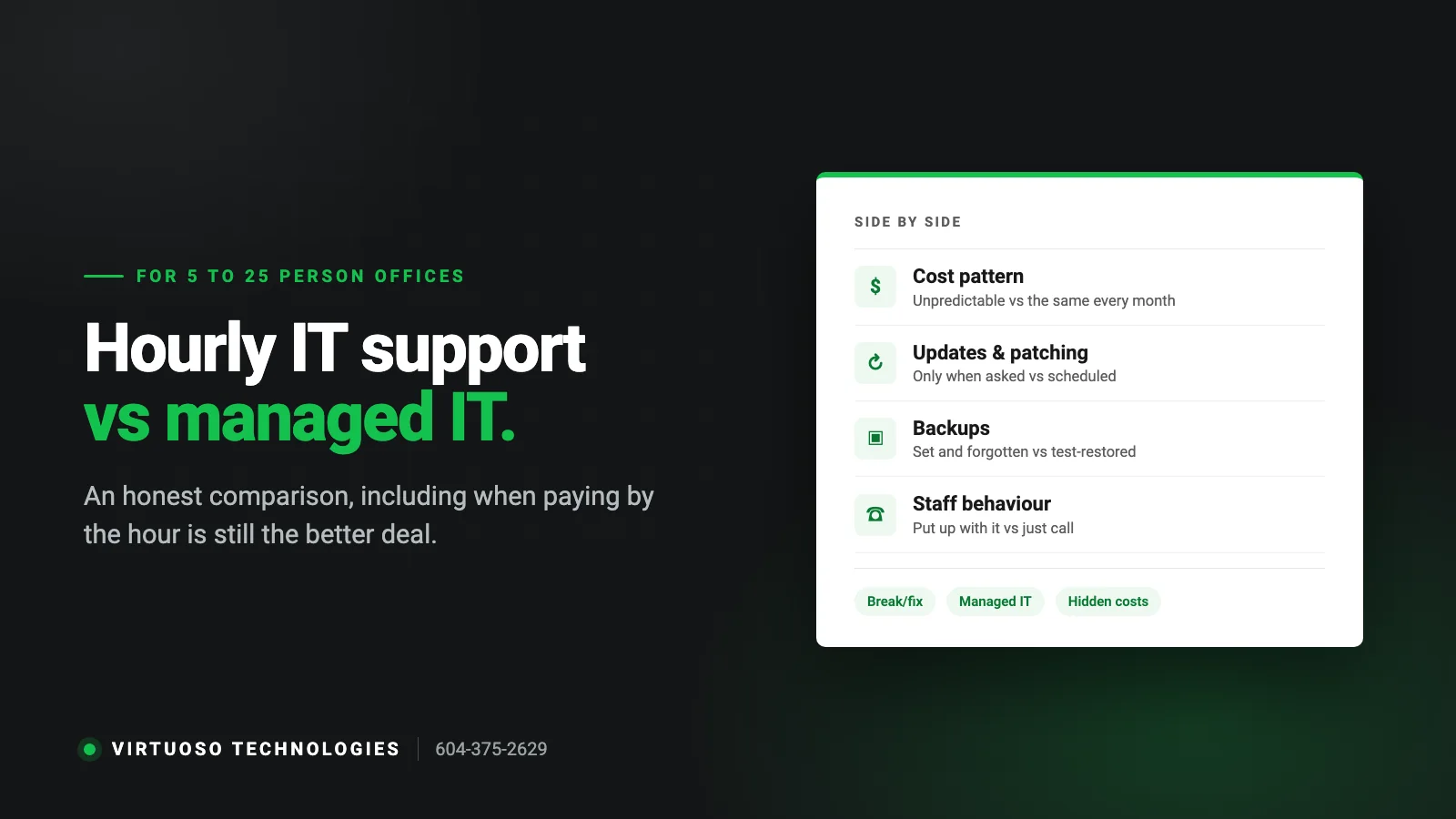
Side by side
- Cost pattern: hourly is low in quiet months and unpredictable in bad ones; managed is the same every month.
- Who benefits when things break: with hourly, more problems mean more billable hours. With managed, every problem costs the provider time, so they are motivated to prevent them.
- Updates and patching: hourly, only if you ask and pay; managed, scheduled and included.
- Backups: hourly, set up once and rarely looked at again; managed, monitored and test-restored.
- Staff behaviour: on hourly, people put up with small problems to avoid a bill, and small problems grow. On managed, they just call.
- Knowledge of your setup: hourly technicians often start from scratch each visit; a managed provider keeps documentation.
- Budgeting: hourly cannot be forecast; managed can.
The costs that do not show up on the hourly invoice
The hourly bill is only part of what break/fix IT costs. The larger part is usually hidden:
- Downtime. Take the number of people who cannot work, multiply by their hourly cost, and add the sales or billable work that did not happen. For a ten-person office, a single lost morning often exceeds a month of managed support.
- The owner as the IT department. If you or your office manager spend a few hours a week on passwords, printers and “is this email real?”, that is time taken from running the business.
- Problems found late. A failing drive or a backup that stopped in March costs little to fix when someone is watching, and a great deal when it is discovered during an emergency.
- Security gaps. Unpatched computers and accounts of former staff are how most small-business breaches start. Under BC’s privacy law (PIPA) you are responsible for reasonable safeguards over the personal information you hold.
When hourly support is genuinely the right choice
We sell managed IT, so take this as an honest admission: it is not for everyone. Hourly support is probably fine if:
- You have fewer than five computers and nothing more complicated than email and a printer.
- Everything important already lives in well-run cloud services, with multi-factor sign-in turned on.
- A day without a computer would be annoying rather than expensive.
- Someone in the business is comfortable handling updates and checking backups, and actually does it.
If that is you, find a good local technician, make sure you hold your own passwords, and revisit the question when you hire your next few people.
When managed IT pays for itself
- Your team cannot work when email, files or your main software is down.
- You hold personal or financial information: clinics, accountants, law and notary offices, immigration consultants, property managers.
- Your cyber insurance application asks about multi-factor sign-in, backups and patching, and you are not sure of the answers.
- You are hiring, and every new person means a laptop, accounts and access to set up correctly.
- You have had one serious incident already, such as ransomware, a lost laptop or a fraudulent invoice that was paid.
- Your IT bills swing wildly from month to month and you want a number you can budget.
What to check in a managed IT quote
Managed plans are not all the same, and the cheapest monthly figure can be the most expensive plan once extras are added. Ask:
- Is the fee per user or per device, and what happens when you add a person?
- Is on-site time included, or billed hourly on top?
- Are backup and security software included, or separate line items?
- Is Microsoft 365 licensing part of the fee or billed separately?
- What counts as a project, and how are projects quoted?
- What is the contract term and the notice period?
More on this in how to choose an IT company in Surrey.
A middle path: start with a project
You do not have to decide in one step. Plenty of businesses start with a single piece of work, such as a firewall replacement, a Microsoft 365 clean-up, a backup that actually restores or a VoIP phone system, and move to a monthly plan once they have seen how the provider works. It is a reasonable way to test any provider before committing.
Common questions
Is managed IT more expensive than hourly?
In a quiet month, yes. Over a year, once you count emergency rates, downtime and the owner’s time, it is often less, and it is predictable. The honest way to compare is to add up the last twelve months of IT invoices and the hours your own staff spent on IT, then set that beside a managed quote.
Can we mix the two?
Yes. Some businesses put their critical systems and staff on a managed plan and keep occasional extras on hourly. What matters is that someone is responsible for updates, backups and security every month.
We have an employee who “does the IT”. Do we still need a provider?
Often a managed provider works alongside that person, handling monitoring, security and backups in the background while they deal with day-to-day requests. It also means the business is not stuck when they are on holiday.
How do we find out what a managed plan would cost us?
It depends on the number of people and devices and how much you want taken care of. We start with a free assessment and give you a written quote, so you can compare it with what you spend now.
Not sure which side of the line you are on?
We provide both project work and managed IT services for small businesses in Surrey and Langley. Tell us how your office runs and we will tell you honestly which model fits. Call 604-375-2629 or send us a message.