
Most owners who are unhappy with their IT company stay anyway. Not because the service improved, but because switching feels risky: they hold all the passwords, nobody knows how the backups work, and the last thing you need is a week of broken email in the middle of a busy month.
The good news is that changing IT providers is a routine piece of work when it is done in the right order. This is the checklist we follow when a business in Surrey or Langley moves its IT support to us, written so you can use it with any provider. Questions along the way? Call 604-375-2629.
Signs it is time to switch
- The same problems keep coming back. Issues get patched, never fixed.
- You wait days for small things. A password reset or a new user should not take a week.
- You only hear from them when there is an invoice. No reviews, no advice, no plan.
- Nobody can show you a working backup. Or tell you when one was last tested.
- You do not have your own admin passwords. And asking for them gets awkward.
- Your business has outgrown them. The one-person shop that was perfect at five staff is stretched at twenty.
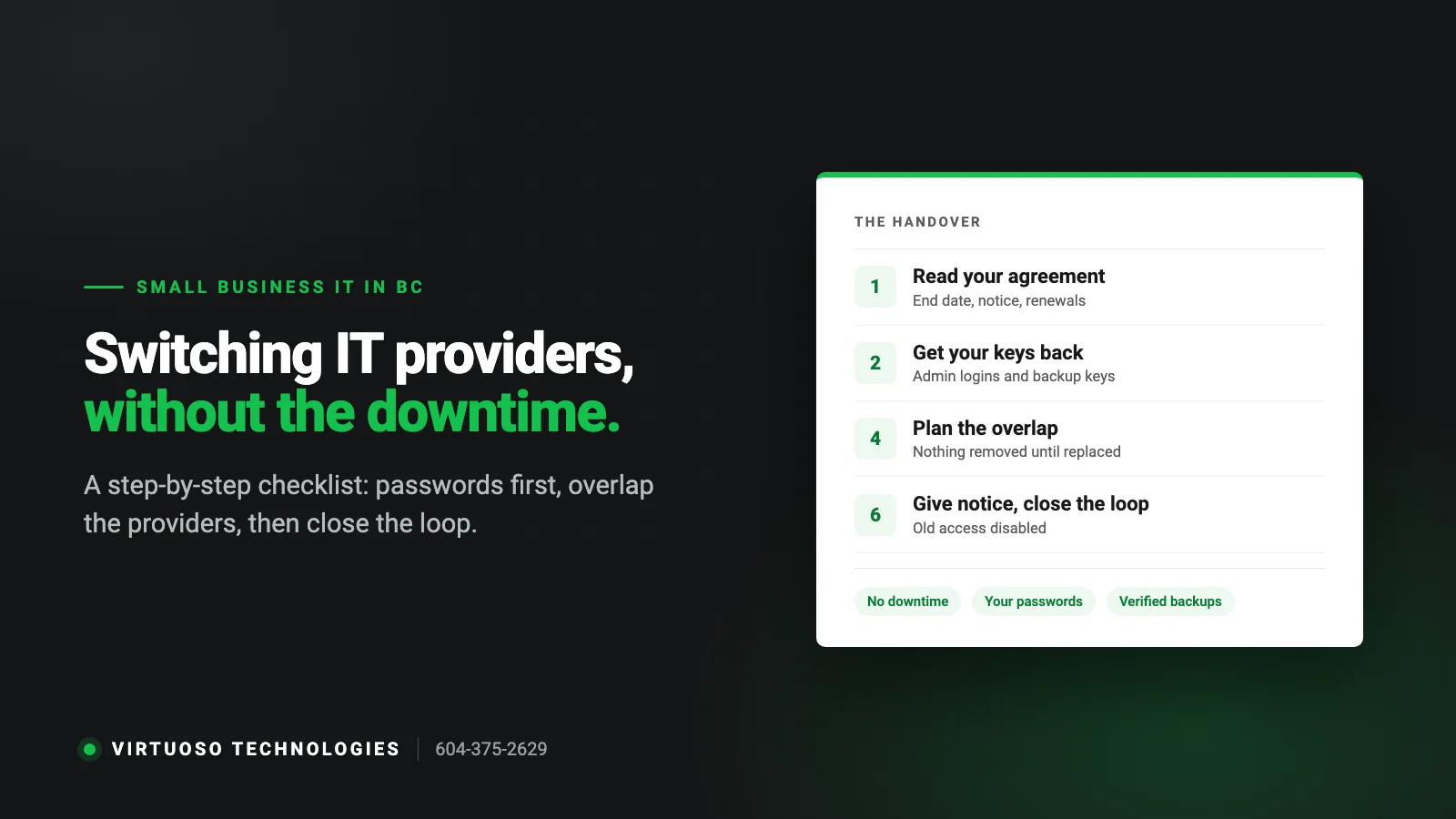
Step 1: Read your current agreement
Before you talk to anyone, find the contract. You are looking for four things: the end date, the notice period, whether it renews automatically, and who owns anything bought through the provider (licences, firewalls, backup appliances). If there is no contract, you are month-to-month and notice is a courtesy.
Do not give notice yet. The handover goes much better when the new provider is lined up first.
Step 2: Get your keys back first
This is the step that decides whether the switch is smooth. Your business should hold the administrator logins for everything it depends on. Ask your current provider, politely and in writing, for:
- Microsoft 365 or Google Workspace global admin account.
- Domain name registrar and DNS logins (where your website and email are pointed).
- Firewall, router, switches and Wi-Fi admin logins.
- Server and workstation local administrator passwords.
- Backup system login and the encryption key or passphrase. Without the key, the backups are useless.
- Line-of-business software, website hosting, phone system and internet provider account details.
- A list of software licences and renewal dates, and whose name they are in.
These belong to your business. A professional provider hands them over without a fight. If your domain name or Microsoft 365 tenant is registered in the provider’s name rather than yours, flag that early, because transferring ownership takes longer than changing a password.
Step 3: Have the new provider assess before they quote
A new IT company should look at your network before promising anything. A proper assessment covers security, backups, the network, the age of your computers and how staff actually work. It is also your chance to see how they communicate. If the findings arrive in plain English with priorities, that is how the relationship will go. If you are still choosing, our guide to choosing an IT company in Surrey has the questions to ask.
Step 4: Plan the overlap
The rule that prevents downtime is simple: nothing is removed until its replacement is working. For a short period both providers are involved, and that is deliberate. A sensible order is:
- Documentation and credentials are handed over and verified by logging in, not just read from a spreadsheet.
- New backup starts and completes a full copy, and a test restore succeeds, before the old backup is cancelled.
- New security and monitoring tools are installed, then the old provider’s agents are removed. Running two antivirus products at once causes problems, so this is done machine by machine rather than left overlapping.
- Passwords are changed on every admin account once the old provider’s access is no longer needed.
- Remote-access tools left by the old provider are found and removed.
Step 5: Tell your staff what changes
From your team’s point of view, a good switch is one email: “Starting Monday, for IT help call this number or email this address.” Give them the new contact details, tell them someone may remote in to install new tools, and ask them to report anything odd in the first week. Most staff notice nothing else.
Step 6: Give notice and close the loop
Once the new provider has verified access and backups are running, give written notice under your agreement. Stay courteous: you may need the old provider’s help with a forgotten detail for a few weeks. Then close the loop:
- Confirm the old provider’s accounts are disabled in Microsoft 365, the firewall and the backup system.
- Confirm licences they were billing you for are either transferred or replaced, so nothing expires unnoticed.
- Get a final copy of any documentation and tickets.
- Book a 30-day review with the new provider to go through what they found.
What usually goes wrong, and how to avoid it
- Cancelling first. Giving notice before the new provider has access turns a handover into a standoff.
- The missing backup key. Nobody wrote down the encryption passphrase. Ask for it explicitly.
- The domain in someone else’s name. Check the registrant of your domain today; it takes two minutes.
- The forgotten renewal. An SSL certificate, domain or licence on the old provider’s credit card expires three months later. Get the full list of renewals.
- Switching in your busiest month. Pick a quiet period if you can, and avoid year-end for accounting offices or peak season for trades.
Questions owners ask about switching
Will there be downtime?
There should not be any planned downtime during business hours. The work is mostly installing new tools in the background and changing passwords. Anything disruptive, such as replacing a firewall, is scheduled for an evening or weekend.
How long does a switch take?
For a small office the hands-on work is typically spread over a couple of weeks. The pace is usually set by how quickly credentials are handed over and by your notice period, not by the technical work.
What if our current IT company will not hand over the passwords?
It is uncommon, but it happens. Most systems have an ownership-recovery route: Microsoft can verify tenant ownership through your domain, registrars can verify the registrant, and network equipment can be reset and reconfigured. It is slower, which is another reason to ask for credentials before there is any tension.
Do we have to change our email, phone numbers or software?
No. Switching IT support does not mean changing your systems. Your email, files, phone numbers and software stay as they are. A good provider may recommend improvements afterwards, but that is a separate conversation.
We have one in-house IT person who is leaving. Is that the same process?
Very similar, with more urgency on documentation. Try to arrange an overlap while they are still there, and make the credential list in Step 2 the first priority.
Thinking about a change?
We provide managed IT support in Surrey and Langley, and we handle the handover with your current provider so you do not have to referee it. Start with a free, no-obligation assessment. Call 604-375-2629 or send us a message.