
Most small businesses in Surrey pick an IT company the same way they pick a plumber: something breaks, someone knows a guy, and that is who they are still using five years later. Sometimes it works out. Often the owner finds out what they were really paying for on the day the server dies and nobody can find the backup.
If you are comparing IT companies in Surrey, Langley or anywhere south of the Fraser, these nine questions will tell you more than any sales pitch. They are the questions we would ask if we were on your side of the table, and we have included what a good answer sounds like. If you would rather talk it through, call us at 604-375-2629.
First, decide what you are actually buying
IT companies sell two very different things under the same name. Break/fix means you call when something is broken and pay by the hour. Managed IT means a fixed monthly fee for looking after everything: updates, security, backups, monitoring and a help desk your staff can call.
Neither is wrong. A three-person office with one printer may be fine on hourly support. Once you have a dozen staff, customer records, and a business that stops when email stops, the maths usually shifts toward managed. We compare the two in detail in hourly IT support vs managed IT. Know which one you are shopping for before you compare quotes, because the quotes will not be comparable otherwise.
The nine questions
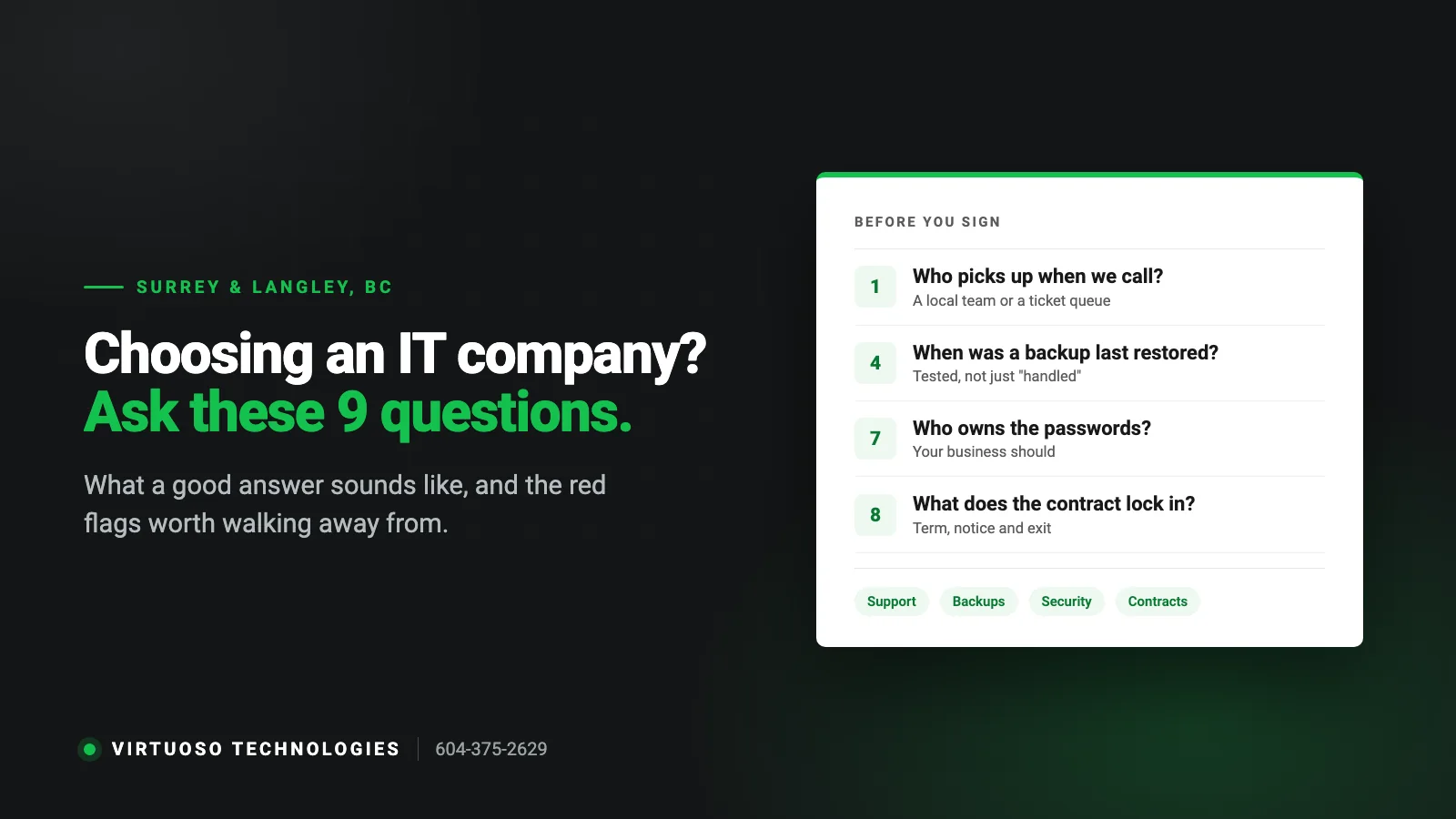
1. Who actually picks up when we call?
Ask what happens at 9:15 on a Monday when your front desk cannot log in. Is there a local number? Does a person answer, or does it go to a ticket queue in another time zone? Several of the companies advertising IT support in Surrey are national firms with a toll-free number and no staff here. That is not automatically bad, but you should know it before you sign.
Good answer: a named process — who answers, how issues are prioritised, and how you reach someone when it is urgent.
2. Can you come on-site, and when would you?
Most everyday problems are fixed faster remotely. But a dead switch, a Wi-Fi dead zone in the warehouse or a new office build-out needs someone standing in the room. Ask where their technicians are based and what kind of work they do on-site.
Good answer: remote first for speed, on-site for anything physical, and technicians who are genuinely in the Lower Mainland.
3. What exactly is included in the monthly fee?
This is where quotes that look similar turn out to be very different. Ask for the list in writing: Is on-site time included or billed extra? Are backups included, or only “monitored”? Is security software part of the fee? What about setting up a new employee, or a new laptop? What counts as a “project”?
Good answer: a one-page scope you can read without a glossary, with the extras and their rates listed up front.
4. How are our backups checked, and when did you last restore one?
A backup that has never been restored is a hope, not a backup. Ask where the copies are kept, how many days back you can go, whether Microsoft 365 mailboxes and OneDrive are covered (they are not backed up just by being in the cloud), and how often a test restore is done.
Good answer: more than one copy, at least one off-site, and a regular test restore they can show you.
5. What do you do about security beyond antivirus?
The attacks that hit small businesses in BC are rarely exotic. They are a stolen password, an invoice email that looks right, or a former employee whose account was never closed. Ask about multi-factor sign-in, email filtering, patching, what happens to accounts when staff leave, and whether staff get any phishing training.
Good answer: multi-factor on everything that supports it, updates applied on a schedule, and an offboarding checklist.
6. Do you understand our privacy obligations in BC?
Private businesses in British Columbia are covered by the Personal Information Protection Act (PIPA). In plain terms, you are responsible for protecting the personal information you hold about customers and employees with reasonable security. Clinics, accountants, law offices, immigration consultants and anyone holding ID documents should ask how the IT company helps with that: who can access what, where data is stored, and how a lost laptop is handled.
Good answer: they have heard of PIPA, encrypt laptops by default, and can tell you where your data lives.
7. Who owns the passwords and the documentation?
You should. The admin logins for your Microsoft 365, domain name, firewall and backup system belong to your business, not to your IT provider. Ask whether you will get a copy of the documentation and the admin credentials, and what happens to them if you leave.
Good answer: “They are yours. Here is how we store them and how you get them.” Hesitation here is the biggest red flag on the list. If you are already stuck in this situation, see our checklist for switching IT providers.
8. What does the contract lock us into?
Ask about the term, the notice period, automatic renewals and what happens to equipment or licences bought through them. A long contract is not necessarily a problem; a long contract with no way out if service is poor is.
Good answer: clear term, reasonable notice, and an exit process written down.
9. Can we talk to a business like ours?
A company that supports forty-person engineering firms may not be the right fit for an eight-person trades office in Newton, and the reverse is just as true. Ask what size of client they mostly work with and check their Google reviews for businesses that sound like yours.
Good answer: most of their clients are about your size, and they can point to reviews or references you can verify.
Red flags worth walking away from
- They will not give you your own admin passwords.
- The quote is a single monthly number with no list of what it covers.
- Backups are “handled” but nobody can say when one was last restored.
- Every answer is a product name instead of an explanation.
- They push a server or hardware purchase before asking how your business works.
- No local presence, but the website has a page for every city in Canada.
How to compare two or three quotes fairly
Put the quotes side by side and line up the same five things: number of users and devices covered, what is included versus billed extra, how backups and security are handled, on-site terms, and the contract length and exit. The cheapest monthly figure often leaves out backups or on-site time, which is exactly what you will need on your worst day.
It also helps to ask each company for an assessment before the quote. A provider who has looked at your network will give you a more honest number than one who priced you from a web form.
Questions Surrey business owners ask us
How many employees do we need before managed IT makes sense?
There is no hard line, but it is usually less about headcount and more about how much a day of downtime costs you. If your team cannot work without email, files or your line-of-business software, proactive support tends to pay for itself well before you reach ten people.
Should we choose an IT company in Surrey or is Vancouver fine?
Remote support works from anywhere. What matters is whether someone can realistically get to your office when a problem is physical. For businesses in Surrey, Langley, Delta and White Rock, a provider based south of the Fraser does not have to cross a bridge to reach you.
Can an IT company also handle our phones?
Some can, and it is worth asking, because call quality problems are usually network problems. We set up and support VoIP phone systems alongside the network they run on.
What does an IT assessment involve?
A look at your security basics, backups, network, computers and phones, followed by a short written list of what to fix first and what can wait. Ours is free and there is no obligation.
Want to ask us these nine questions?
We have provided managed IT services in Surrey since 2016 and work with small businesses across Langley, Delta and White Rock. Ask us anything on this list; you will get straight answers. Call 604-375-2629 or send us a message.